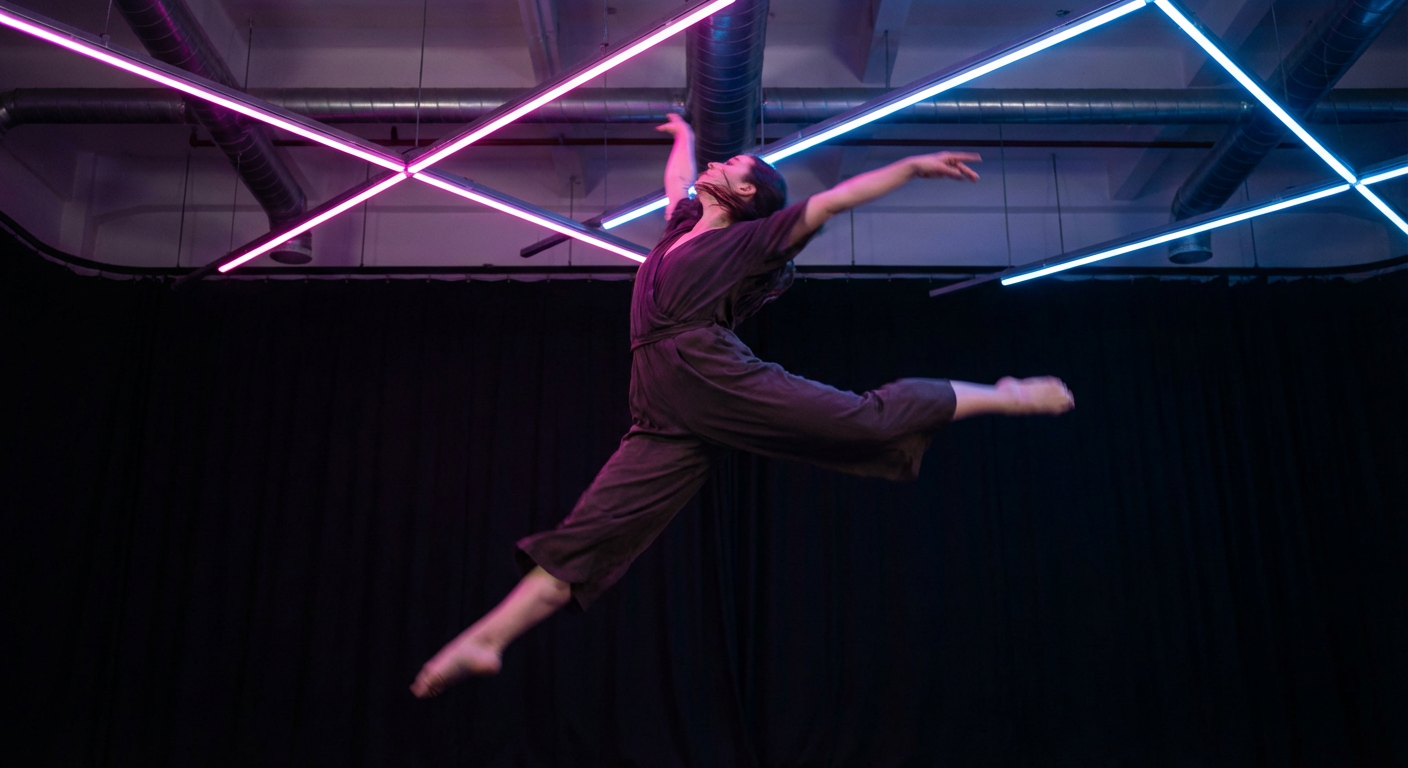
Reference dance motion
Creators use motion control workflows to copy visible dance timing, pose paths, and body rhythm into new character clips.
Motion Control AI Video Generator
Motion Control AI is a web-based AI video workflow that uses a character image and a reference video to guide pose, timing, gestures, and camera movement. FluxMov helps creators generate more controllable dance videos, avatar clips, character edits, and social videos with fewer blind retries.
Add character
Upload the character, image, or subject you want to animate.
Add motion reference
Upload an existing clip or record one instantly in your browser.
Quality
Log in to claim 120 free credits and generate for free.
Most AI video generators are easy to start and hard to control. The common problem is not "can it make a video?" The problem is whether the character moves the way you intended.
Text prompts are weak at describing exact movement. A reference video gives the model a visible target for pose, timing, rhythm, and direction.
When movement gets complex, faces, bodies, and outfits can change. A clear character image plus motion reference helps keep the subject more stable across frames.
Dance steps, gestures, walk cycles, reactions, and camera moves are easier to control when the model follows a real performance instead of inventing motion from words.
Generic generation is useful for quick ideas. Motion Control AI is better when the exact movement matters because it gives the model a visible motion target before generation.
| Dimension | Generic AI video | Motion Control AI |
|---|---|---|
| Action control | The model guesses the movement from text. | A reference video guides the movement directly. |
| Character consistency | Identity may drift during complex motion. | Character reference helps stabilize the subject. |
| Choreography | Hard to describe timing, rhythm, and pose changes. | Real motion provides timing, rhythm, and pose path. |
| Retry cost | More failed generations before the action looks right. | Fewer blind retries because the action target is visible. |
| Best for | Fast experiments and loose visual ideas. | Dance, avatars, character animation, ads, and motion-driven clips. |
Upload the movement you want instead of trying to explain every pose in a prompt.
Use a character image as the identity anchor, then use a motion reference to guide how that character performs.
Give the model clearer inputs before spending credits on a generation that moves the wrong way.
Reuse a dance, gesture, walk, or performance reference across characters, campaigns, and short video scenes.
AI video creation slows down when every generation becomes a surprise. Motion Control AI turns the process into a clearer sequence:
Upload the character image, avatar, mascot, or subject you want to animate. Clear faces, visible bodies, and simple backgrounds usually work better.
Upload or record the movement you want to copy. Use a 5 to 10 second clip with one clear subject, 720p or higher resolution, readable motion, and limited occlusion.
Describe style, scene, clothing, camera feel, or output format. Avoid prompts that contradict the reference motion.
Use these visible limits to prepare files before spending credits on a motion-guided generation.
| Input | Format | Best practice | Avoid | Limit |
|---|---|---|---|---|
| Character image | JPEG or PNG, max 10MB, 720px or higher preferred | Use a clear front-facing or three-quarter subject with head, torso, arms, and identity details visible. | Heavy crops, blocked faces, low light, and strong occlusion. | Best for one primary subject. |
| Reference video | MP4 or MOV, ideally 5-10 seconds, up to 30 seconds | Use one primary subject, stable framing, readable body motion, 720p or higher resolution, and a simple background. | Fast cuts, overlapping bodies, complex props, and noisy backgrounds. | Short clips are easier to control than long scenes. |
| Prompt | Short 30-80 word scene brief | Describe style, scene, wardrobe, lighting, mood, camera feel, and missing visual details. | Prompts that contradict the uploaded motion reference. | The prompt should guide style, not replace the motion source. |
Use Motion Control AI when the movement source is clean and the output goal is short, visible, and reviewable.
| Condition | What it means |
|---|---|
| Works best | One primary subject, a 5 to 10 second reference clip, 720p or higher footage, stable framing, and visible body motion. |
| Use carefully | Hands, props, fast turns, dramatic camera moves, or stylized outfits can work, but they need cleaner references and more review. |
| Avoid | Heavy occlusion, overlapping bodies, fast cuts, noisy backgrounds, unclear faces, and long continuous scenes reduce output stability. |
| Rights check | Only upload character images, reference videos, brands, likenesses, and choreography you have permission to use. |
Start from the workflow that matches the movement problem you need to solve.
AI Video Generator
Create an AI video with motion guidance instead of relying on a prompt alone.
Best for moving from broad idea to controllable result.
ExploreText to Video
Start from a written scene brief when you want a fast first pass before adding tighter motion control.
Useful for ideation, hooks, and storyboard-style drafts.
ExploreImage to Video
Animate a still image into a short AI video when the visual identity is already defined.
Useful for portraits, concepts, and product-led motion.
ExploreVideo to Video
Guide a new AI video with a motion reference clip when movement timing matters more than prompt-only generation.
Useful for dance clips, avatars, and source-motion remixes.
ExploreReference to Video
Guide style, subject, or movement with a visual reference when generic AI video output feels too loose.
Useful for continuity and more predictable output.
ExploreReplace Character
Swap the visible character in a source video while preserving the original motion, expressions, lighting, and scene flow.
Best when the source clip already has the motion and scene timing you want.
ExploreMotion Transfer
Apply movement from a reference clip to a new character, image, avatar, or subject.
Best for dance clips, avatar movement, and character motion tests.
ExploreGemini Omni
Create, remix, and edit AI videos with prompts, images, motion modes, audio intent, and scene controls.
Best for multimodal video workflows, creative iteration, and marketing variations.
ExploreGrok Imagine Video Generator
Plan bold social-native AI video concepts with prompts, references, motion direction, and audio cues.
Best for Grok Imagine-style social hooks, creator experiments, surreal visuals, and meme-ready prompts.
ExploreKling 2.6
Plan short AI videos where native audio, dialogue, ambience, and image-to-video motion need to stay aligned.
Best for dialogue ads, product sound demos, creator intros, and lip-sync scenes.
ExploreKling 3.0
Structure multi-shot AI video prompts with character references, scene continuity, native audio, and story beats.
Best for short branded stories, social trailers, microdrama clips, and director-style prompts.
ExploreMore
More Motion Control AI tools and feature pages are coming as FluxMov expands the motion workflow suite.
Future tools will appear here when they are ready to use.
See how reference motion, character inputs, and prompts combine into reusable AI video workflows.
Turn a still character into a dance clip using a real motion reference.
Try motion transfer workflowKeep the original motion and swap in your own character or subject.
Try replace character workflowAnimate a branded character for short-form social content with more control.
Try motion transfer workflowUse expression and body movement references for more believable avatar scenes.
Try motion transfer workflowApply trending gestures and dance references to stylized characters.
Try motion transfer workflowMotion Control AI is not just for one niche. It fits the workflows creators, teams, and studios actually need to ship.
Create dance clips, reaction videos, avatar content, and social-ready character videos from real motion references instead of loose generic AI video results.
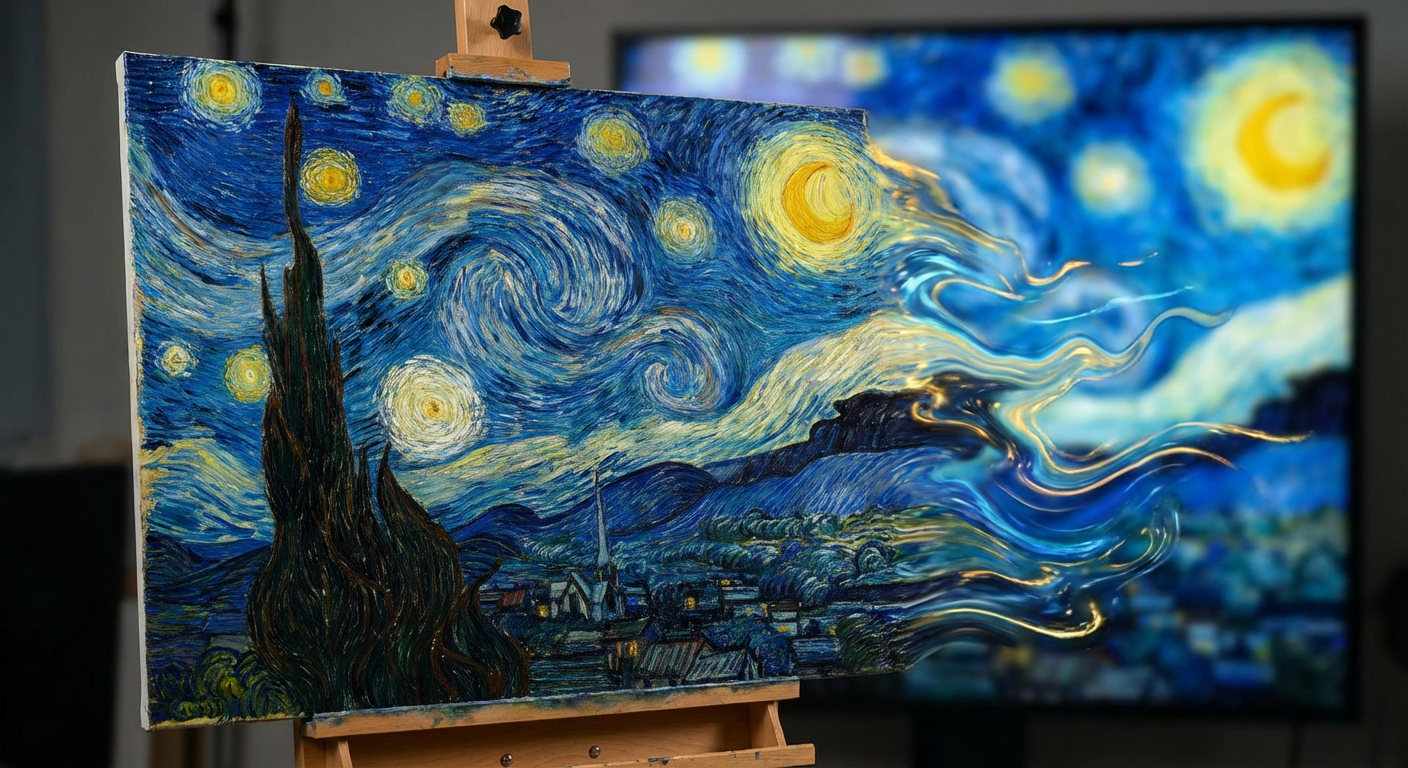
Use motion references to preview scenes, test character action, and shape more consistent animated performance without a full mocap pipeline.
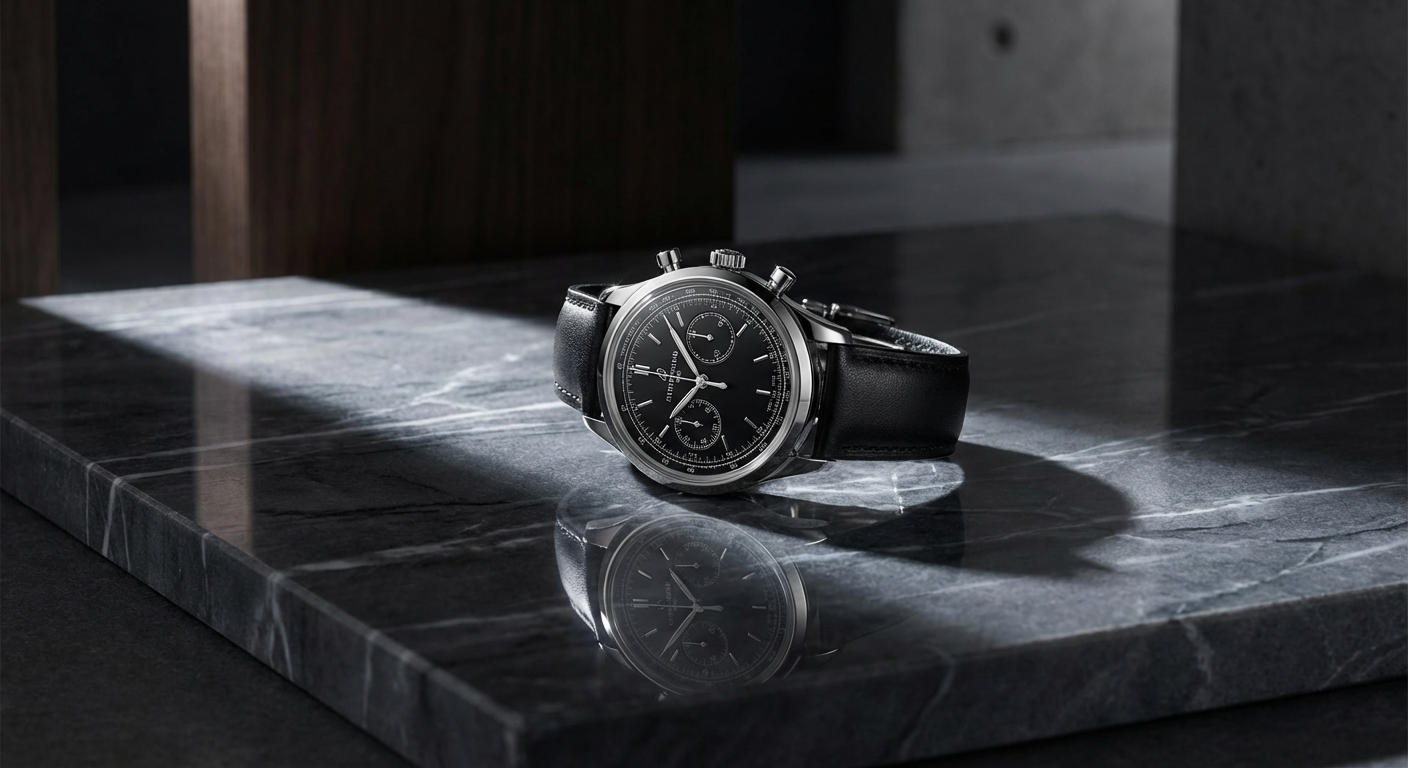
Create character-led ads, launch visuals, explainers, and demonstration content with more control over movement, staging, and repeatability.
Last updated: May 16, 2026
Community signals
Real X posts around Kling motion control, reference videos, character consistency, and motion-transfer workflows. Each card links back to the original post.
Creators use motion control workflows to copy visible dance timing, pose paths, and body rhythm into new character clips.
Community examples focus on keeping a character recognizable while the body performs more complex motion.
The recurring pattern is simple: upload a character, provide a motion reference, and generate a more directable AI video.
Choose yearly, monthly, or one-time credits for motion-controlled AI video generation.
STARTER
$118.80$94.80 Billed yearly
SubscribeIncludes
1,000 credits/month (12,000/year)
$0.79 / 100 credits
~8 video clips/month
All AI video models
All AI image models
Motion extraction and transfer
Standard queue priority
GROWTH
$358.80$286.80 Billed yearly
SubscribeIncludes
5,000 credits/month (60,000/year)
$0.48 / 100 credits
~40 video clips/month
All AI video models
All AI image models
Motion extraction and transfer
Priority queue access
Audio generation
Batch processing
PRO
$718.80$574.80 Billed yearly
SubscribeIncludes
11,000 credits/month (132,000/year)
$0.44 / 100 credits
~88 video clips/month
All AI video models
All AI image models
Motion extraction and transfer
Highest queue priority
Audio generation
Batch processing
Video estimates are approximate. Credit usage varies by model, duration, resolution, audio, generation mode, and retry strategy. Subscription credits refresh monthly. Pay-as-you-go credits are valid for 12 months and are consumed after subscription credits.
Clear answers for the most important motion control AI questions.
Motion Control AI is a web-based AI video workflow that uses a character image and a reference video to guide pose, timing, gestures, and camera movement. FluxMov helps creators generate more controllable dance videos, avatar clips, character edits, and social videos with fewer blind retries.
Upload a character, add a motion reference, and use a prompt for style or scene details. The reference video becomes the main movement target.
Use a clear character image, a 5 to 10 second MP4 or MOV reference video, and a prompt for clothing, background, lighting, camera feel, or output format.
Text-to-video asks the model to invent movement from words. Motion Control AI gives the model a visible motion reference before generation.
Motion Control AI works best with one clear subject, 720p or higher source footage, stable framing, and limited occlusion. Heavy occlusion, fast cuts, overlapping bodies, and complex props can still reduce quality.
Motion Control AI can reduce character drift, but it cannot guarantee perfect identity in every frame. Use a clear character image, a clean motion reference, and avoid extreme angles or heavy occlusion when identity matters.
Motion Control AI works best scene by scene. For longer videos, create short controlled clips first, then connect them with consistent character references, start and end frames, and matching prompts.
Motion Control AI helps when the reference movement is clear, but hands, props, fast cuts, and overlapping bodies can still fail. Use simple motion first when quality matters.
Yes. Dance, avatar performances, mascot actions, character animation, and social video hooks are strong use cases because they depend on visible movement, timing, and repeatable gestures.
Start free
Stop asking a prompt to guess the action. Add a character, upload a motion reference, and create a more controllable AI video from the start. New accounts get 120 free credits after login. No credit card required.
Log in to Generate for Free